Screenshots
See MakeQuote in Action
Real screenshots from the admin dashboard and storefront widget.
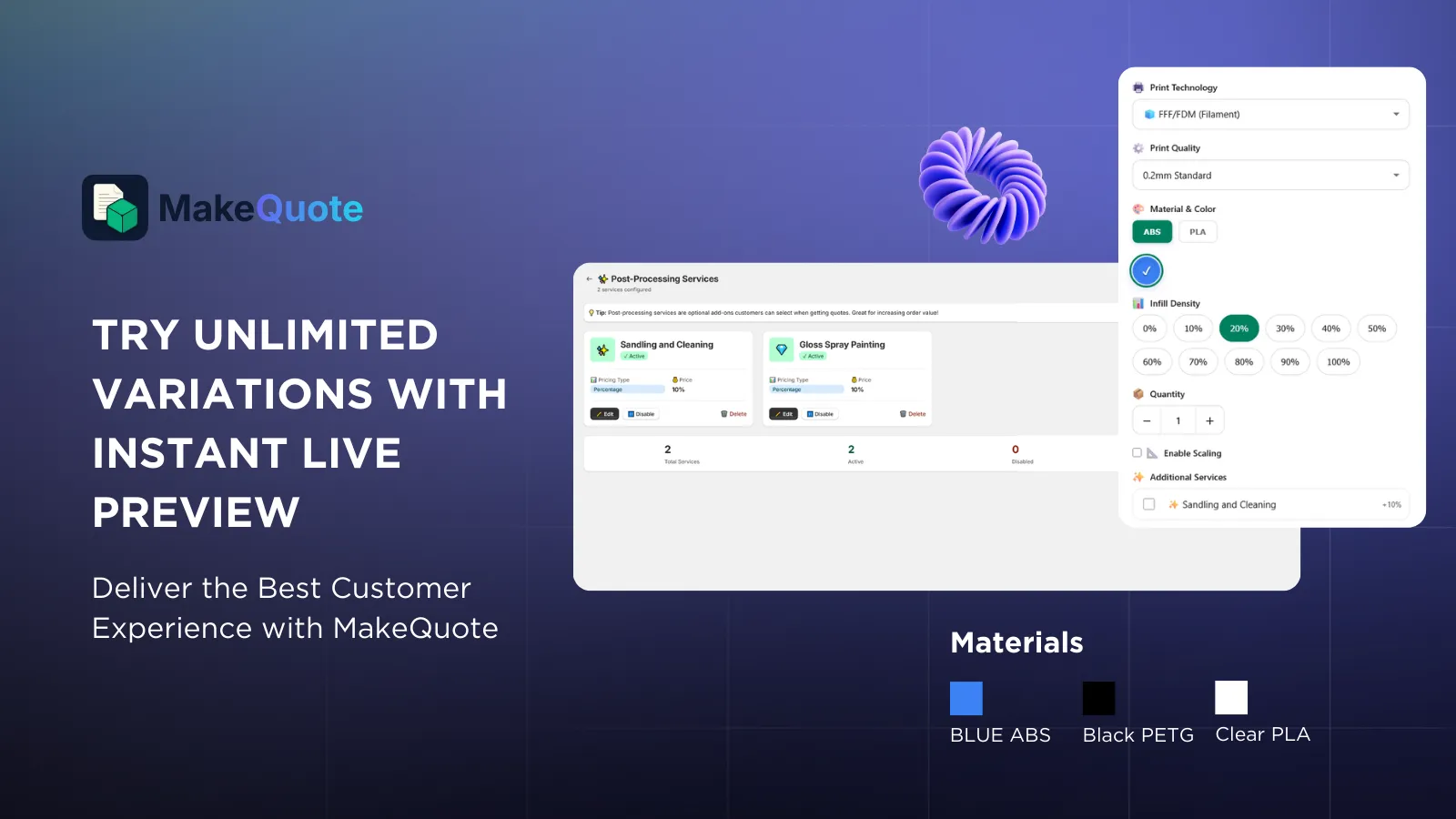
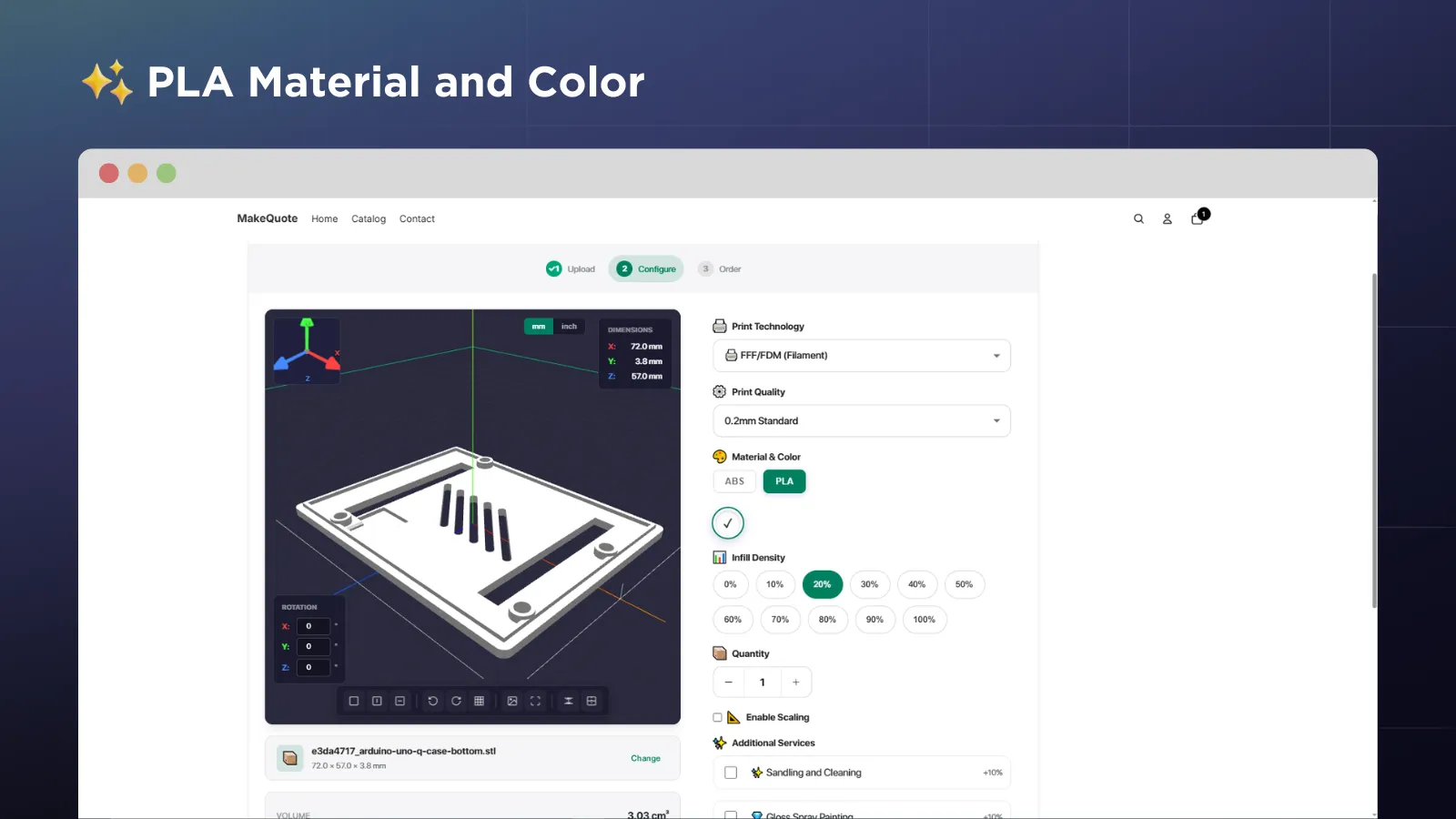
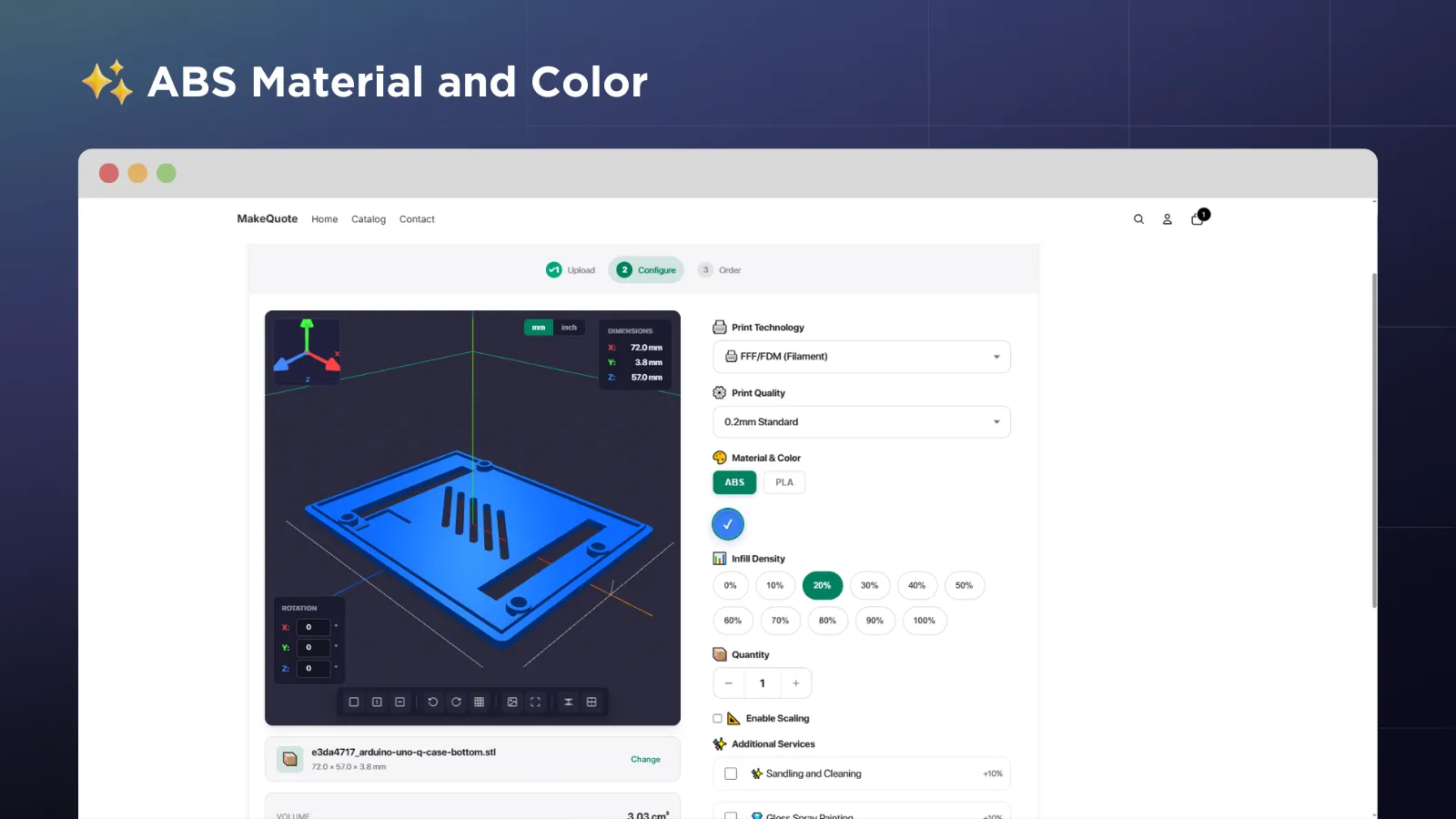
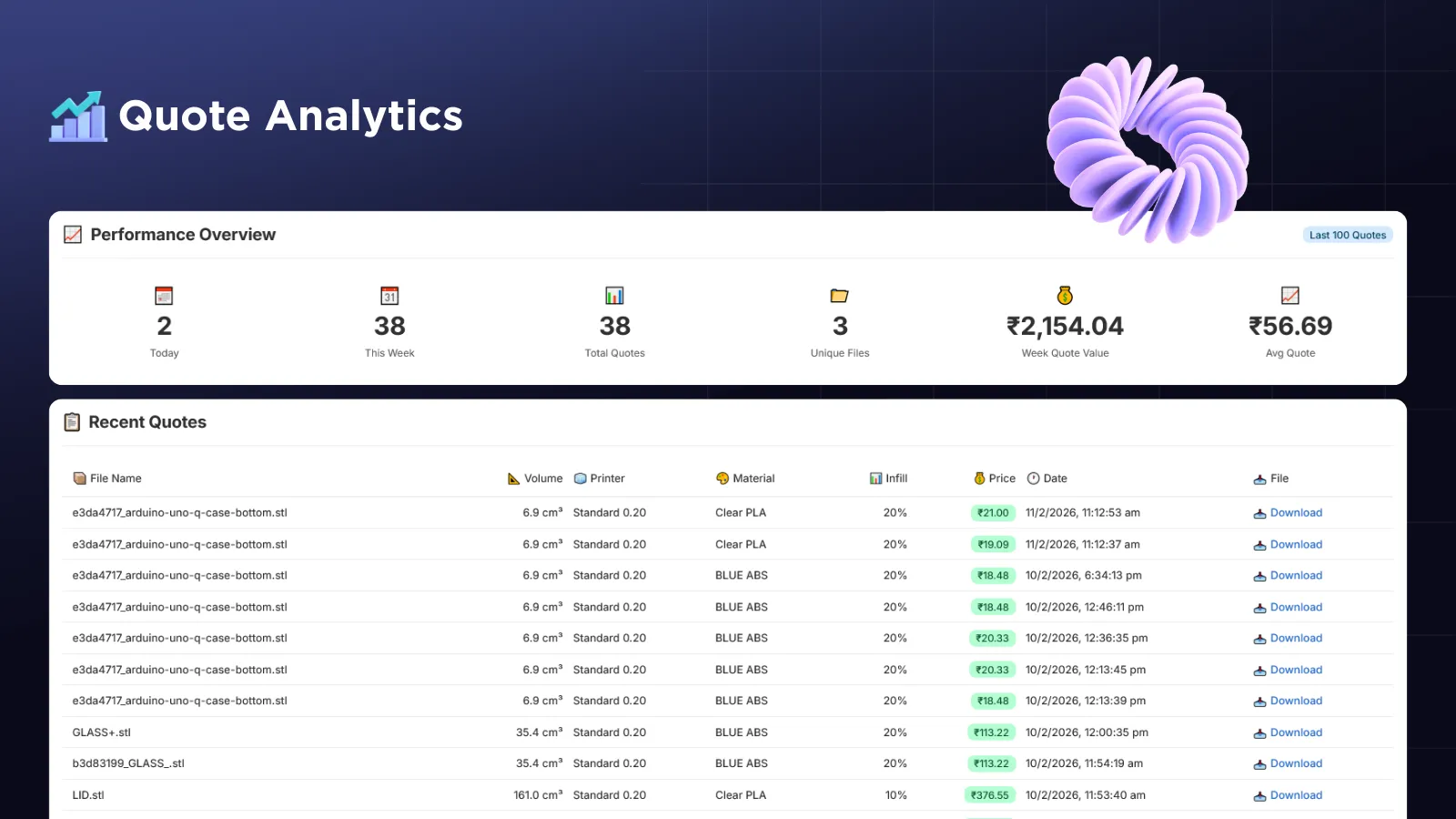
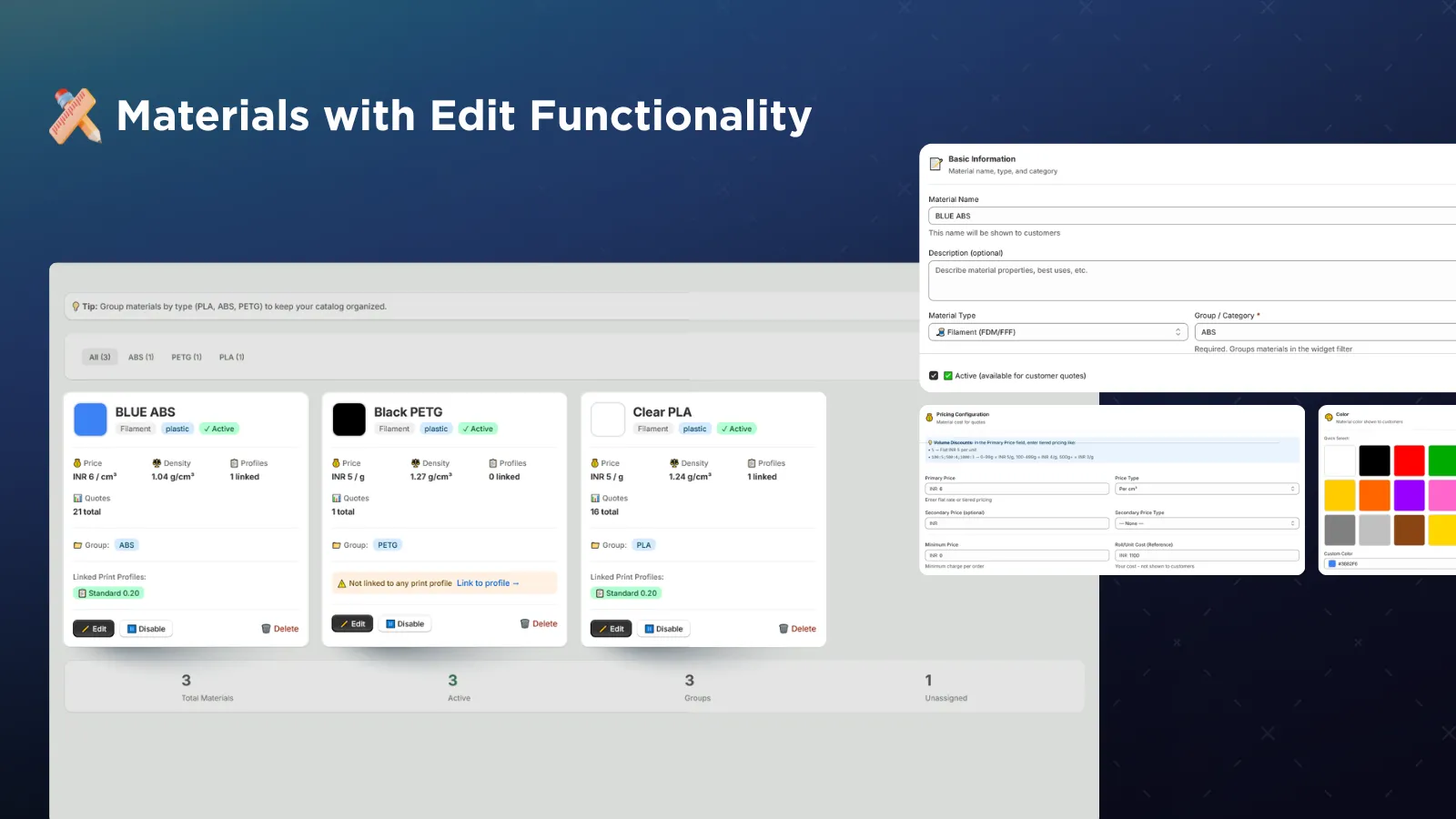
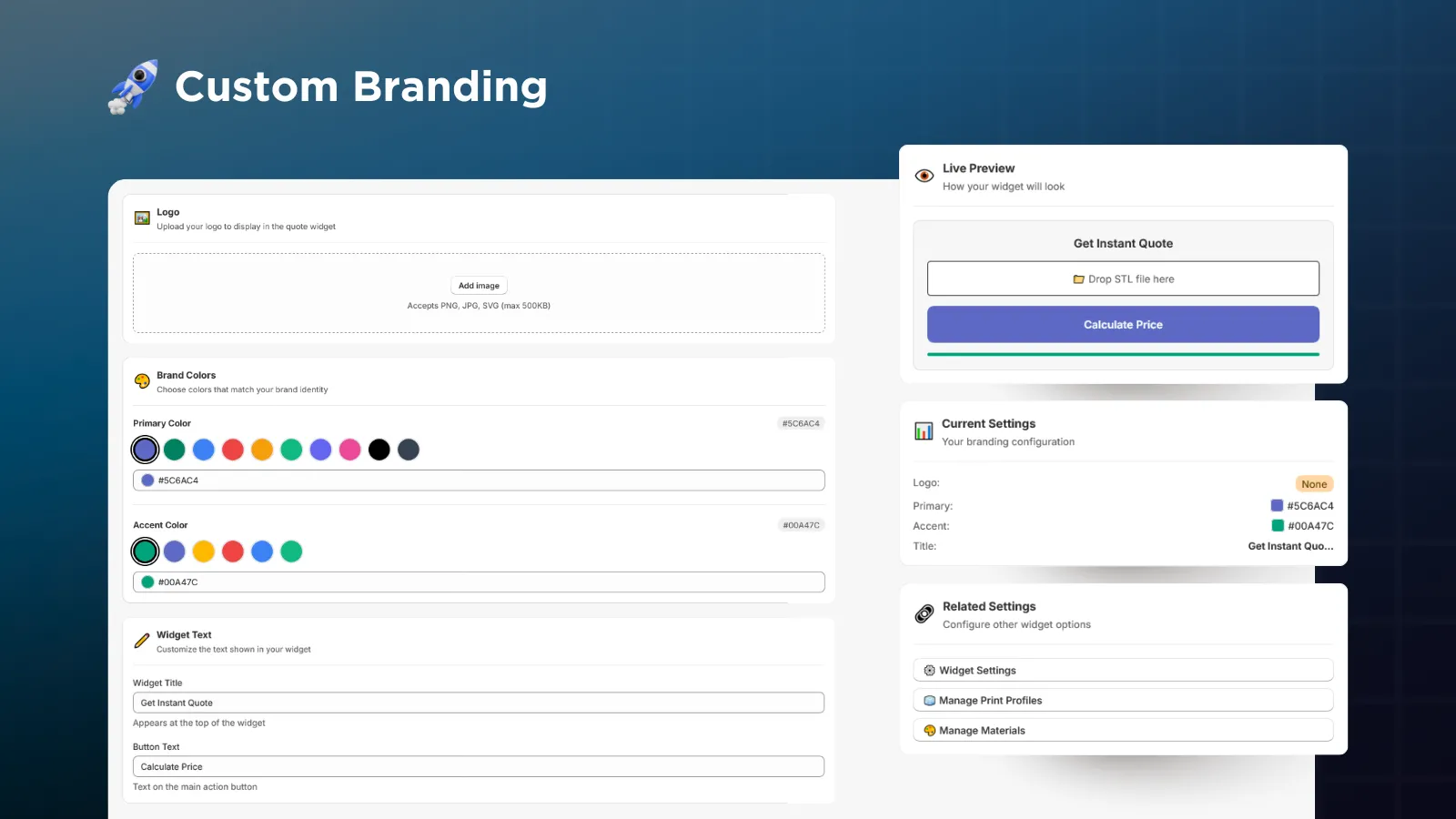
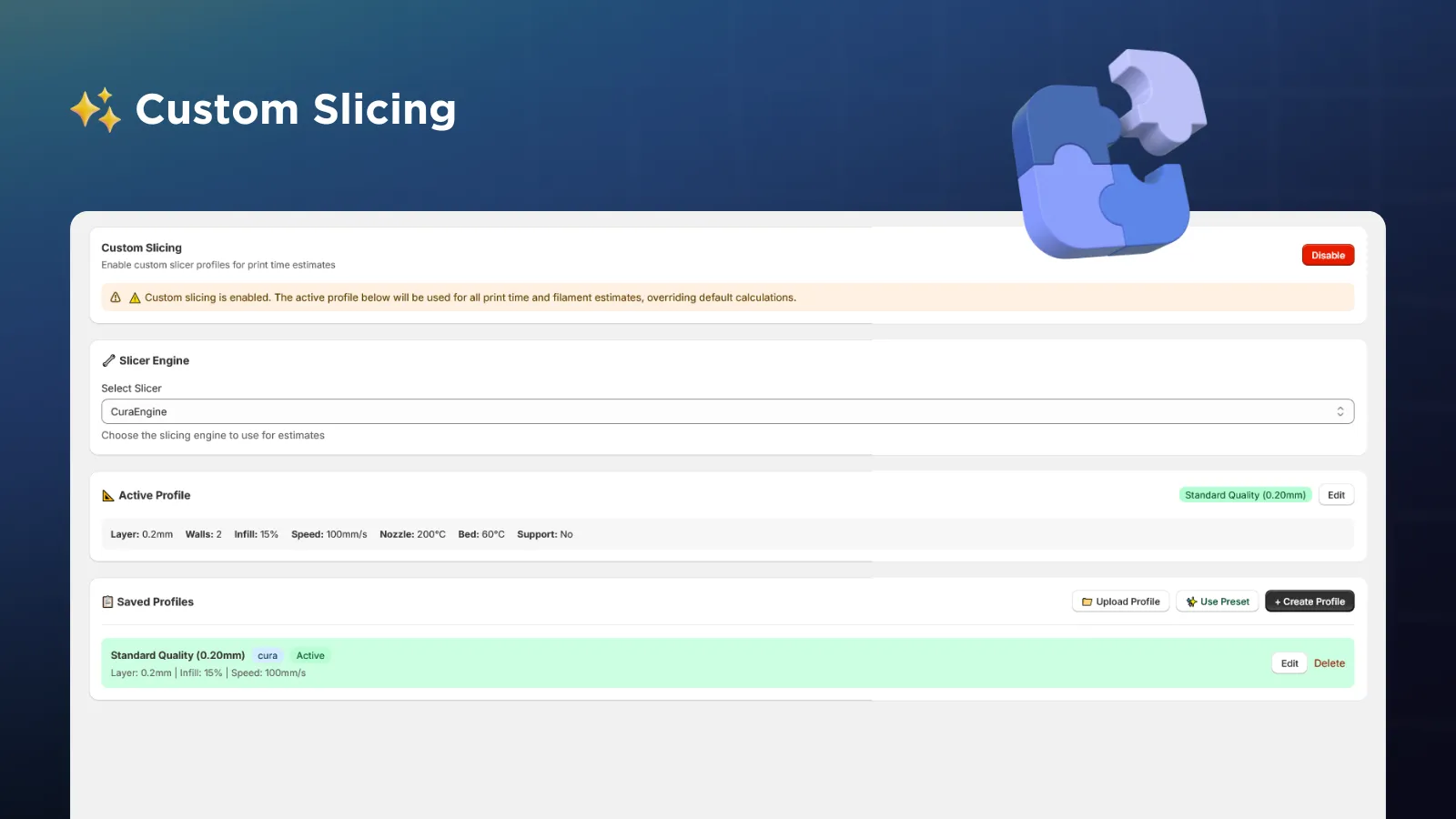
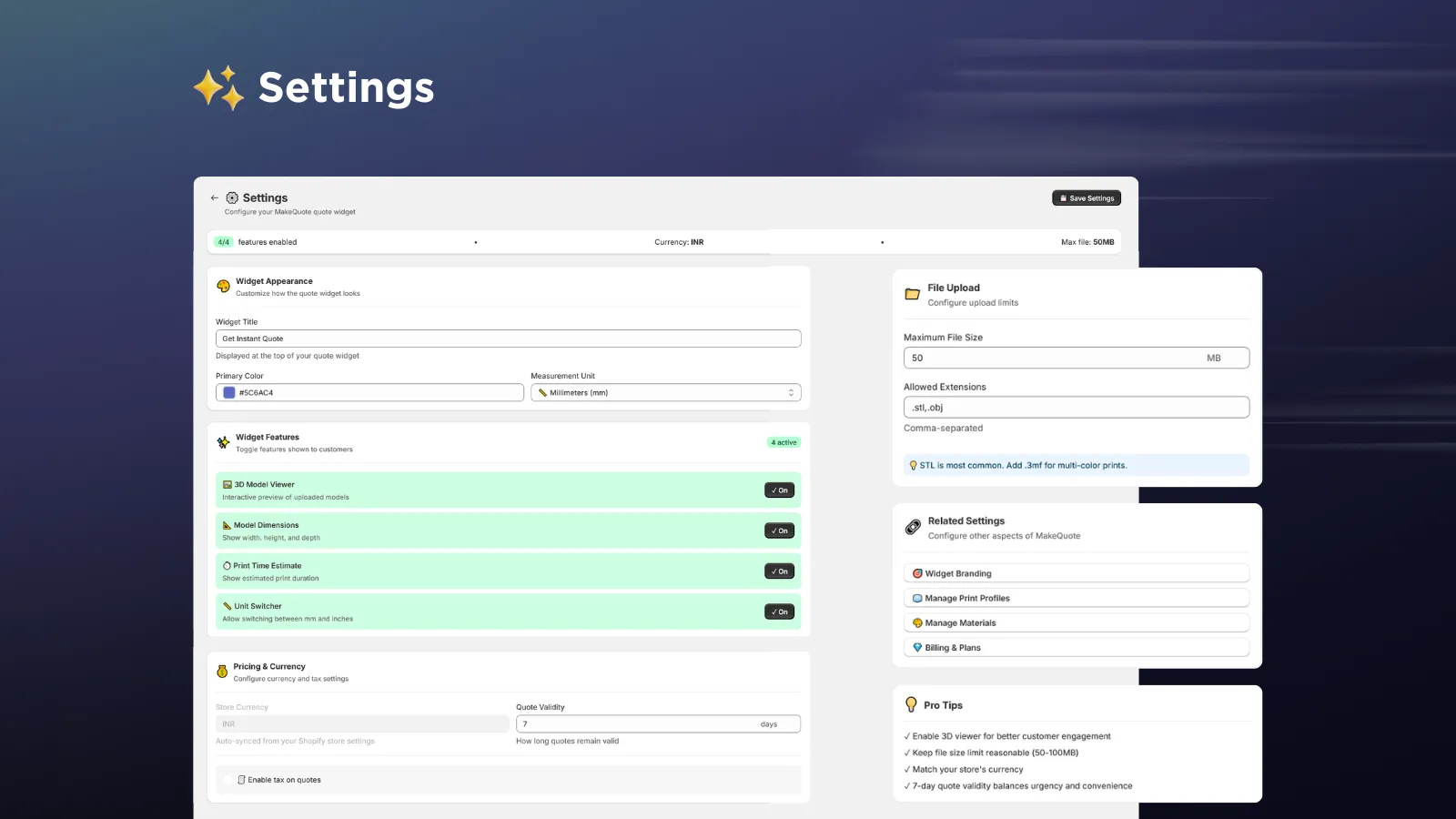
Your customers upload STL, DXF, or SVG files and get instant pricing with a live 3D preview. Works with your existing store — zero coding required.
One powerful quoting engine. Two platforms. Coming very soon.
Native Shopify app with full cart integration, theme blocks, and order management. Currently in final review by the Shopify team.
Get Notified →Full-featured WordPress plugin with WooCommerce integration and Gutenberg blocks. Sign up to be first in line when we launch.
Join Waitlist →Professional tools that turn your 3D printing or laser cutting business into a 24/7 quote-generating machine.
Pricing calculated in under 3 seconds. Customers see prices instantly — no forms, no email wait.
Interactive Three.js viewer lets customers rotate, zoom, and inspect their model in real-time.
Showcase your entire material library with visual color swatches. PLA, ABS, PETG, resin — all configurable.
Accept DXF and SVG files for 2D cutting. Automatic cut path, pierce point, and engrave analysis.
One-click add to cart with all quote details. Quotes become orders automatically — no manual entry.
Track quotes, orders, revenue, and conversion rates. Know what your customers are printing.
BambuLab & PrusaSlicer integration for accurate print time and filament usage estimates.
Widget auto-translates to English, German, French, Spanish, Italian, Japanese, Korean, and more.
Upload your logo, match your store colors, customize button text. Remove the MakeQuote badge on Pro.
A seamless experience for your customers — and zero work for you.
Customer drops their STL, DXF, or SVG file into the widget on your product page.
Interactive 3D viewer renders the model with dimensions, volume, and analysis.
Select material, color, infill density, and post-processing. Price updates live.
One click to order. Quote converts to a cart item with all configuration details.
Real screenshots from the admin dashboard and storefront widget.
Start free, upgrade when you're ready. No hidden fees. Cancel anytime.
Perfect for getting started
Everything unlimited
| Feature | Free | Pro — $19/mo |
|---|---|---|
| Monthly Orders | 10 | Unlimited |
| Printer Profiles | 2 | Unlimited |
| Materials | 5 | Unlimited |
| 3D Model Viewer | ✓ | ✓ |
| Cart Integration | ✓ | ✓ |
| Order Tracking | ✓ | ✓ |
| Laser Cutting (DXF/SVG) | — | ✓ |
| Cloud Slicer | — | ✓ |
| Post-Processing | — | ✓ |
| Analytics | — | ✓ |
| Custom Branding | — | ✓ |
| Remove MakeQuote Badge | — | ✓ |
| File Retention | 7 days | 30 days |
| Support | Docs | Priority Email |
Tips, guides, and strategies to grow your 3D printing business.

A complete guide to cost-based pricing, covering material costs, machine time, overhead, and profit margins for FDM, SLA, and SLS prints.

From store setup to automated quoting — everything you need to launch a profitable 3D printing store on Shopify.
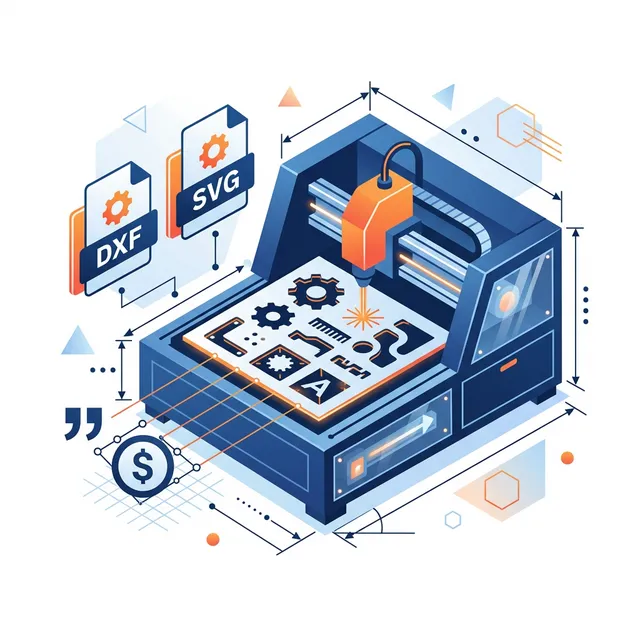
How to set up automated quotes for laser cutting — cut paths, pierce points, material consumption, and pricing models.

Printer shipments, market segments, home manufacturing growth, and where the industry is heading next.

Surface finish, dimensional accuracy, mechanical strength, and cost per part across all major 3D printing technologies.
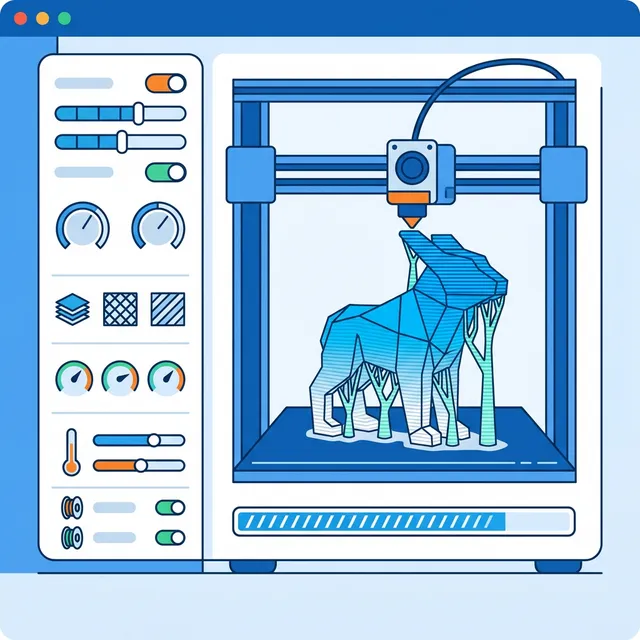
Layer height, speed tuning, support strategies, cooling configs, and material-specific profiles for perfect prints.

Fleet management, material logistics, automated quoting, maintenance schedules, and profitability lessons.

UPS sizing, battery backup, inverter generators, and power architecture for protecting prints from outages.

$0.63/day replaces hours of manual quoting. Cost breakdown for 5, 10, and 25 printer operations.
Join the waitlist and we'll notify you the moment MakeQuote is available on your platform. Plus, get exclusive launch-day pricing.
You configure pricing in the admin panel — set rates per gram, per cm³, per cut path length, or per hour. Add startup costs, minimum prices, and material markups. The widget automatically calculates everything based on the uploaded file's geometric properties.
For 3D printing: STL, OBJ, and 3MF files. For laser cutting: DXF and SVG files. The widget auto-detects the file type and shows the appropriate quote interface with material options specific to each technology.
Absolutely. Files are stored encrypted in secure cloud storage (Tigris) and automatically deleted based on your plan (Free: 7 days, Pro: 30 days). We're fully GDPR compliant with built-in data export and deletion capabilities.
MakeQuote is launching on Shopify (currently under final review by the Shopify team) and WordPress (launching soon with WooCommerce integration). Join our waitlist to be notified when your platform is ready.
Shopify: Install the app, go to your theme editor, and add the "MakeQuote
Widget" block to any product page. Takes about 2 minutes, no coding
required.
WordPress: Install the plugin, activate it, and use the
shortcode or Gutenberg block on any page.
Yes! Customize colors, fonts, button text, and upload your logo. The widget adapts to your store's branding. Pro users can also remove the "Powered by MakeQuote" badge entirely for a fully white-label experience.
Yes! Upload DXF or SVG files and MakeQuote analyzes cut paths, pierce points, and engrave areas. Price by cut path length, pierce count, sheet area, or any combination. Perfect for acrylic, wood, and metal sheet cutting services.
On the Free plan, if you exceed 10 orders per month, the widget continues to work for customers (they can still get quotes). However, file downloads are restricted for you until you upgrade or the limit resets next month.
Join hundreds of 3D printing businesses who are getting ready to launch with MakeQuote.
Join the Waitlist